Available to stream: October 20, 2025 12:00 am - October 30, 2025 12:00 am EST

WHO WE ARE

A Chronicle of Racism in America
Presented by NYCLU
Welcome
FAQ

Welcome, everyone, and thank you for being here.

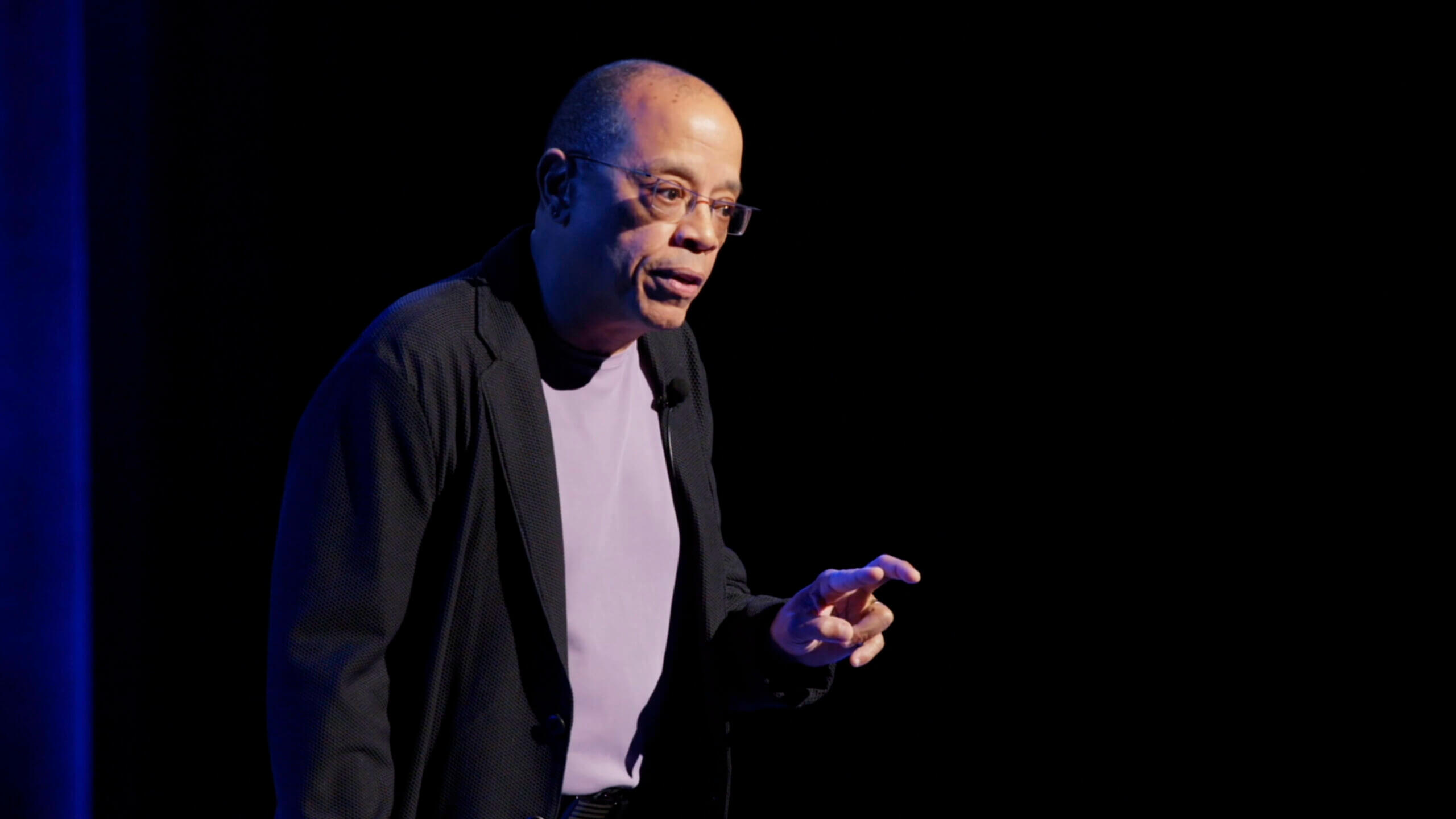
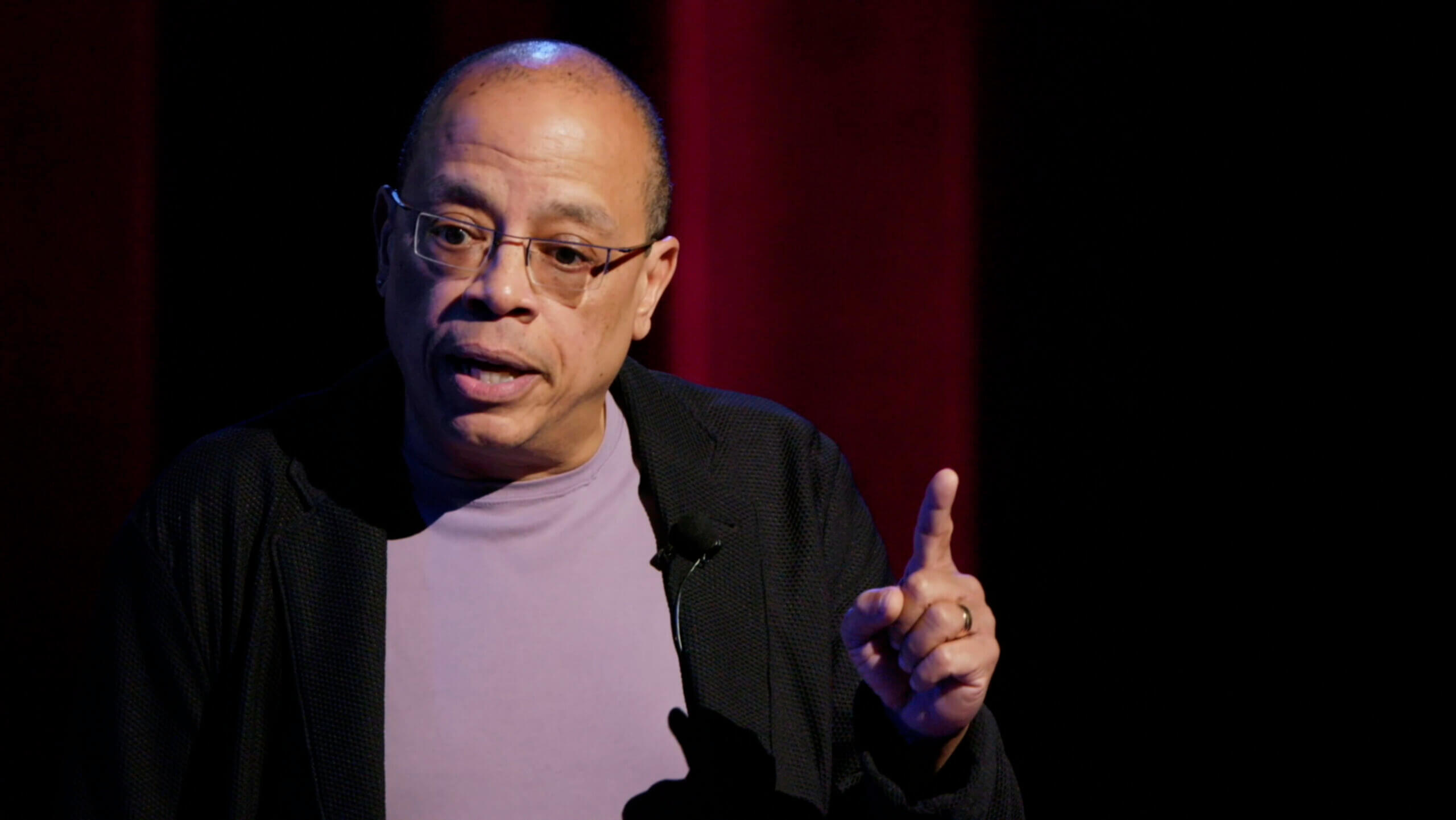
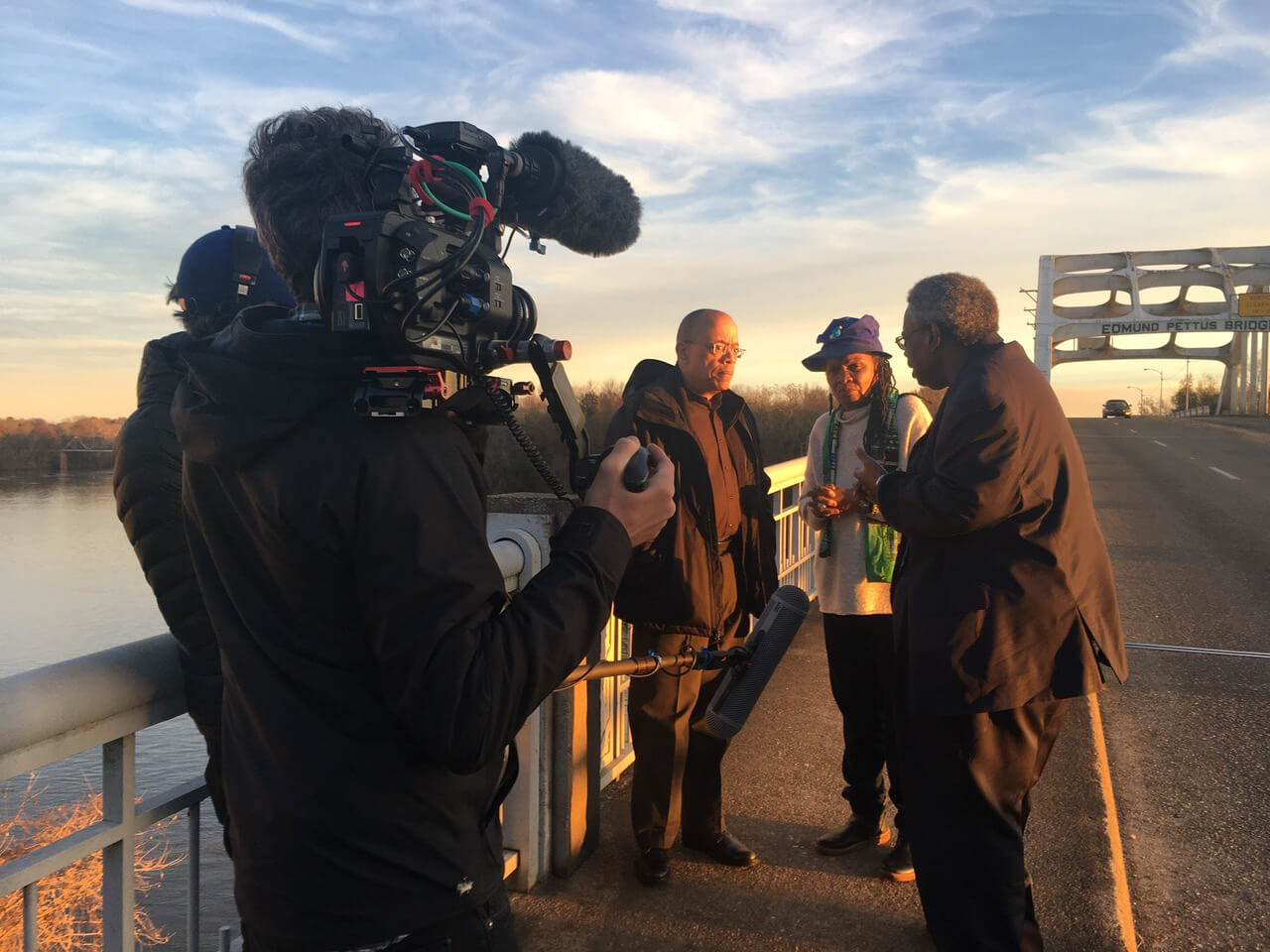
As part of our DEI 101 Learning Program, we are screening Who We Are: A Chronicle of Racism in America – a powerful documentary that unpacks the historical and systemic realities of racism in the U.S. While we recognize that DEI is not limited to race, we felt it was important to highlight this topic, especially given the dark history behind the creation of the Constitution and Bill of Rights – documents we, as NYCLU employees, are committed to defending. By deepening our understanding of these historical truths, we can engage in more meaningful conversations about justice, equity, and the work we do every day.

We also want to acknowledge that some of the content in this film may be sensitive or difficult to watch. We encourage everyone to engage with an open mind and reflect on how this history shapes the present. After the screening, we’ll have time to process and discuss key takeaways together.

Thank you for your participation – let’s begin.
I am having trouble registering for the film.

To register for the film, please click on the yellow “Register” button, complete the fields and enter your invitation code provided by your screening host. If you are having trouble registering on this page, please try copying and pasting the invitation code that your screening host sent to you, registering with a different email address and/or registering through a different browser/incognito window. If none of those solutions work, please contact your screening host.

I have registered and am having trouble accessing the film.

If you have clicked “Register” on the screening page and have completed the registration process but you are not able to play the film, please check:

  • Your screening window has begun (found at the top of your screening room)
  • You have fully completed the registration process by clicking “Register” and entered all fields
  • You have logged into the screening room by clicking “Event Login” and entering the email address you registered with and your event invitation code
  • You are using one of the following browsers: Safari or Google Chrome. Other browsers are not supported.

If you continue to have trouble, please contact your screening host.

I am having trouble logging back into my event.

Please be sure to click “Event Login” and use the email address you used to register and the invitation code for your event.

If you continue to have trouble, please contact your screening host.

How long can I access the film?

The film is available to watch during the dates and times listed at the top left of your screening room. You may watch the film as many times as you like during your screening window.

How can I share this film with my community?

You can purchase a license to screen this and other great documentaries on our site here: rocofilms.com

Still having trouble accessing the film?

Please contact us at [email protected] and we will help you out!